
On your phone
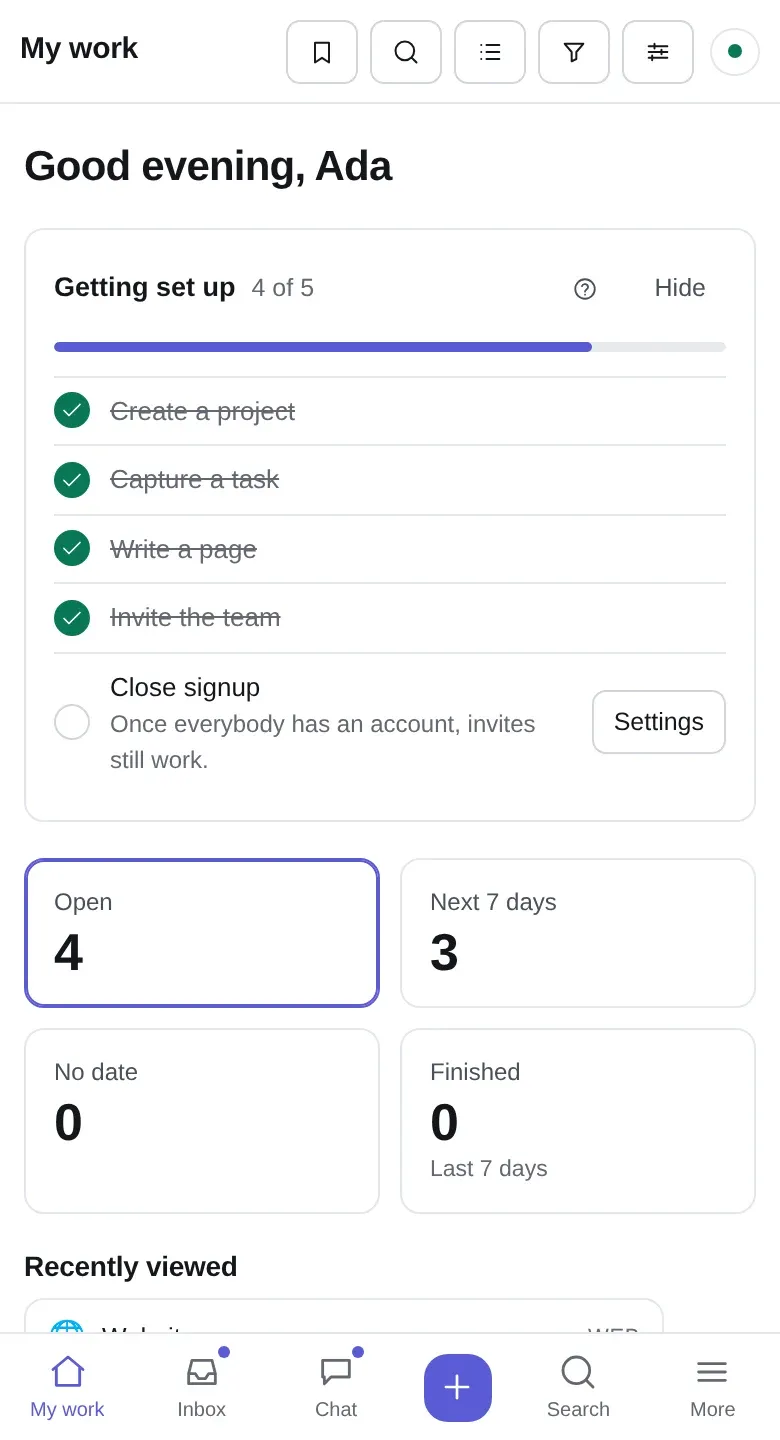
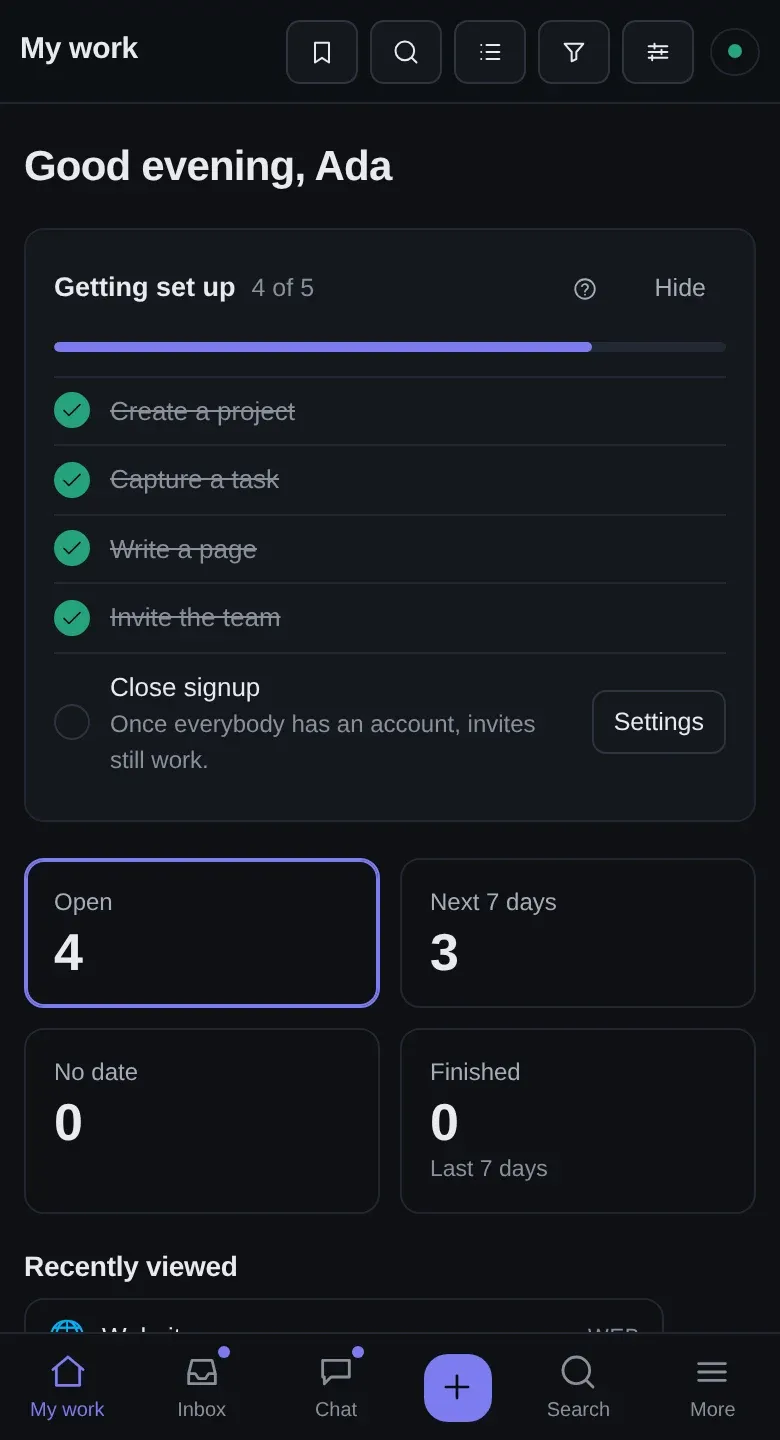
Kolibri is one app, not a website with a smaller sibling. The phone layout is the same code drawing the same data — it just has less room.
Install it
Section titled “Install it”On iOS — open the instance in Safari, Share → Add to Home Screen. On Android — Chrome offers Install app, or Add to Home Screen in the menu. On a desktop — the install button in the address bar.
Installed, it gets its own icon, opens without browser chrome, and keeps its own storage. That last part is what makes the offline half real rather than theoretical: a tab you closed is a tab the browser may evict; an installed app is not.
What changes at phone width
Section titled “What changes at phone width”- The sidebar becomes a tab bar at the foot: My work, Inbox, Chat, Search, More.
- The project header’s controls collapse into compact forms rather than wrapping onto a second row.
- Boards scroll sideways one column at a time.
- Task detail opens as a full sheet rather than a panel.
The layout is checked at every width from 340 to 1600 pixels, in 20-pixel steps, for a page that scrolls sideways, a one-row bar that has grown a second row, and a title that has been squeezed away. That is not decoration: the check exists because a layout came apart between 880 and 940 pixels and nobody had happened to open a window that size.
Why offline matters most here
Section titled “Why offline matters most here”A phone is the device that is actually on a train. Everything in working offline applies, and two things are worth setting up before you need them:
Install it (above), so the storage sticks.
Turn on a banner for the phone specifically — Settings → Notifications, on the phone. Push permission belongs to a browser, so switching it on at your desk does nothing for your pocket. See notifications.
Things that are easier on a phone than you expect
Section titled “Things that are easier on a phone than you expect”- Pasting a screenshot into a comment or a chat message. It uploads and downscales in the browser.
- Starting a timer and letting it run. It survives the app being closed, the phone sleeping and a tunnel.
- Voice dictation into the quick-add box. The one-line syntax reads fine when spoken — “fix the login redirect bang high at ada” comes out as a titled, prioritised, assigned task.
Things that are not
Section titled “Things that are not”The timeline and the table layout want a wide screen. They work; they are not pleasant. Do planning at a desk.