
Writing pages
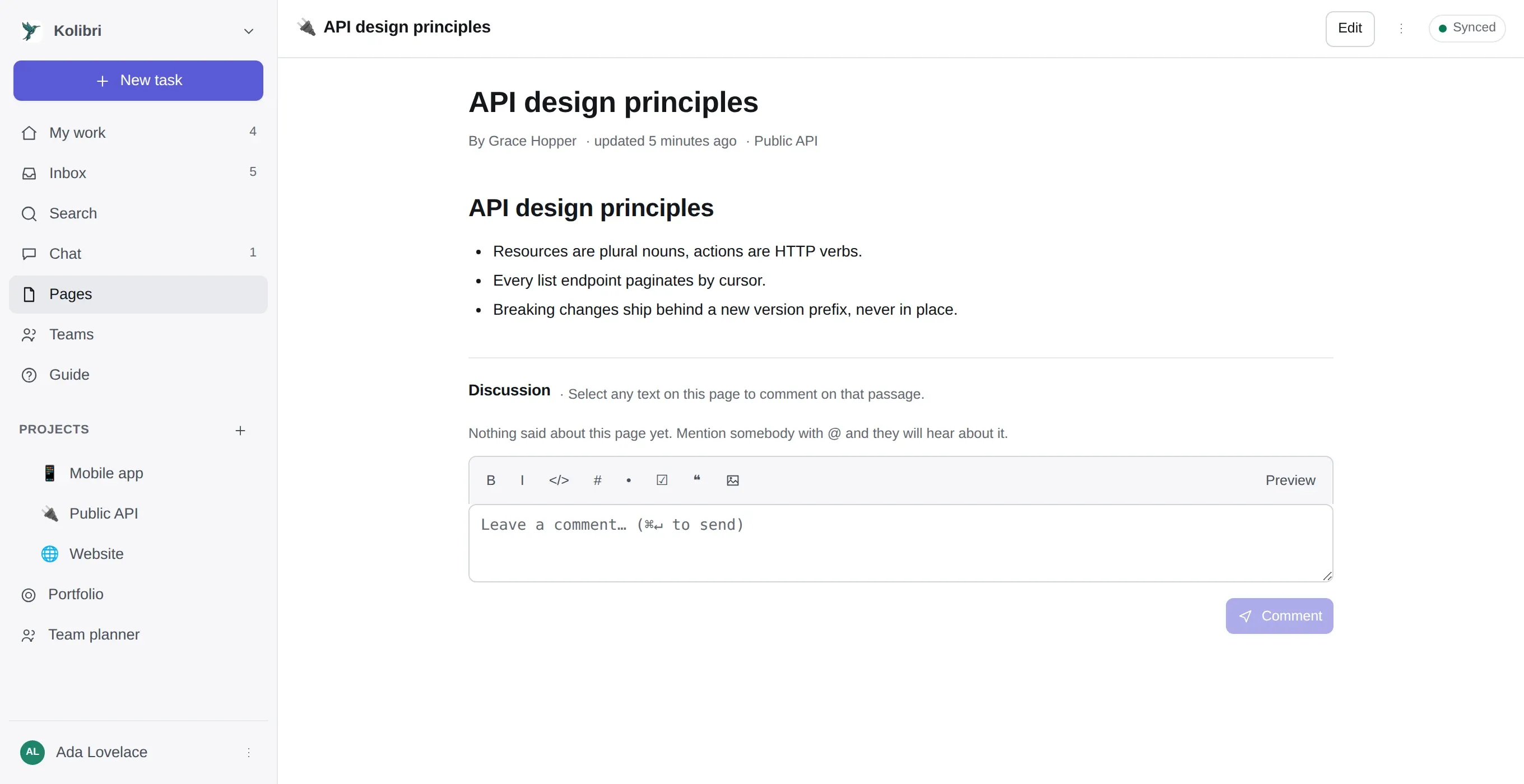
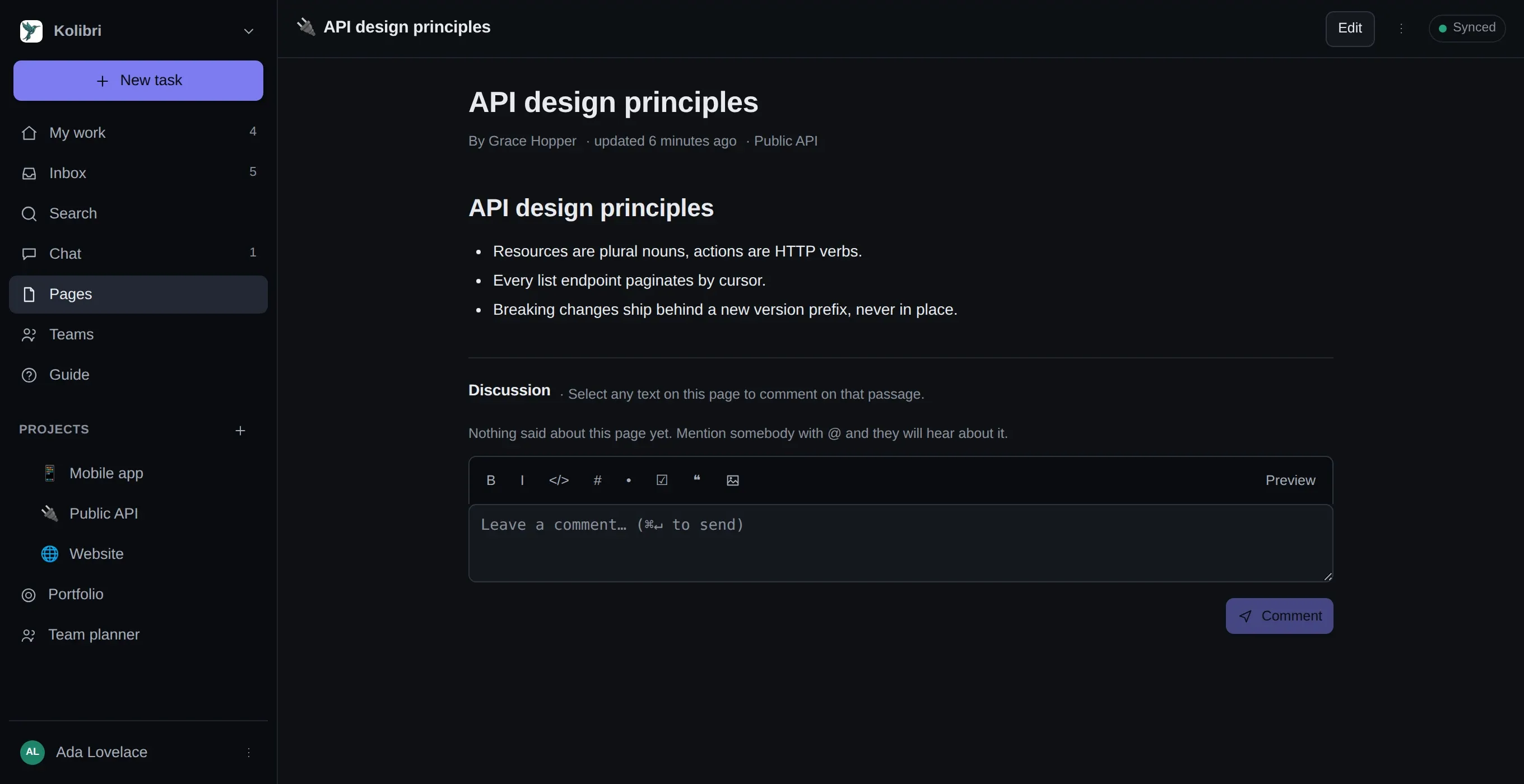
Pages in the sidebar, or the Pages tab inside a project. Markdown, nested to any depth.
Where a page lives
Section titled “Where a page lives”In the workspace — for things that are not about one project: how the team works, the on-call rota, the decision log.
In a project — for things that are. The project’s Pages tab is the same wiki, scoped.
Inside another page. Pages nest to any depth. A page with children shows them at its foot and in the sidebar tree, so a section is a page with pages under it rather than a separate kind of object.
Linking pages to each other
Section titled “Linking pages to each other”Type [[ and the pages of the workspace are offered by title. Pick one and you get
[[Onboarding]], which renders as a link to that page.
-
[[Onboarding|how we start]]shows your words and links the page. A rename keeps them. -
A link to a page nobody has written yet is drawn faintly with a
+. Following it creates that page, titled what you typed. This is how a wiki actually gets written: you say what is missing while you are writing about it, not later from a blank New page button. -
The wiki index lists those, under Linked to, not written yet, with how many pages want each one. It is the only to-do list here that writes itself.
-
Backlinks. Every page shows what points at it, with the sentence the link was written in. Sub-pages are what a page contains; backlinks are what it is part of, and a wiki without them can only be read downwards.
-
Renaming carries the links. Rename a page and every
[[…]]that pointed at it is rewritten to follow, and the app says how many pages it touched. Each of those keeps its previous revision in its own version history. It happens wherever the rename does — here, over MCP, or through the API — because it is a rule of the wiki rather than a trick of one screen. Renaming while offline is the one case that waits: the links catch up when the device syncs. -
[[Handbuch#Ablauf]]links to a section. Headings carry ids, so the link lands on the section rather than the top of the page, and it reads as the section’s name.[[#Ablauf]]on its own is a section of the page you are writing. -
![[Zahlungsziel]]on a line of its own draws that page here, with a caption saying where it came from. Editing still happens on the page itself — this is a view of it, not a copy. A page already shown further up is drawn as a link instead of repeating.
Links resolve by title, so they work anywhere prose does — a chat message about the handbook links to it the same way the handbook does. Two pages may share a title; the older one wins, so a link that resolved yesterday still resolves to the same page today. Sections and embeds are page features: a chat message is not a document, and a page unrolled inside a chat bubble is not what anybody typing that meant.
A shared link carries the page and its children, so a [[…]] naming one of
those jumps to it inside the shared document. Anything else stays as written: a stranger following
a link into an app they cannot sign into is worse than seeing the brackets.
Finding your way around
Section titled “Finding your way around”The breadcrumb above a page shows where it sits in the tree, from the top down, and starts at Pages — so it is also the way back to the wiki from any page, without opening the menu. It is there while you are editing, which is when leaving is otherwise hardest. A page opened from a search, a link or a bookmark used to say nothing at all about its place.
On this page is the outline: every heading, collapsed, above the text. It appears on pages with enough headings to get lost in.
Drag a page onto another in the tree to nest it, or onto the gap between two to reorder. The page menu has the same four moves for a keyboard — in, out, up, down.
Graph on the wiki index draws the links instead of the tree. Filled circles are pages, hollow ones are titles nobody has written yet; hovering one quiets everything it does not touch. It is a second view and not the way in — a picture of circles is a poor list, whatever it is a good picture of. Only pages a link touches are in it.
The editor
Section titled “The editor”The same editor as comments and the chat composer, so everything here works in all three:
- Markdown, with a live preview of what you have typed.
/at the start of a line offers the blocks: heading, list, checklist, quote, code, table, divider, progress bar, diagram, an embedded page.@mentionswith autocomplete. Only a newly added handle notifies — see comments and mentions.- Task and project references.
WEB-42becomes a link;#offers projects and tasks. - Page links.
[[offers the pages of the workspace by title;![[embeds the page instead. - Images, dragged or pasted. They downscale in your browser before upload.
- Pasting a document — from a browser, a mail, a word processor — keeps its headings, lists, links and tables instead of arriving as flattened prose.
- Tab indents by two spaces.
- Progress bars.
{48%}draws one,{3/8}reads the fraction, and{83% warn}colours it — amber here,okgreen,dangerred. The number stays beside the bar, so the same line still says 48% in an export or a mail. - Mermaid diagrams in a fenced
```mermaidblock.
Pages that are HTML
Section titled “Pages that are HTML”A page can be written in HTML instead — ⋯ → Written in. Not because anybody wants to type
<strong>, but because documents arrive already written: a supplier’s specification, a page saved
out of a browser, an export from another wiki, a table with a colspan that markdown cannot spell.
Those pages get a visual editor — bold, headings, lists, tables, links, images — with an
HTML view behind a toggle for when it is quicker to say it in markup. Everything is put through
an allowlist before anybody sees it: no scripts, no styles, no page-wide classes, no javascript:
links. Switching a page’s format converts what is written rather than only flipping the flag, and
the version before it stays in the history.
Pages → Import takes markdown and HTML files and turns them into pages — one page per file, or
one page per # heading for the long single-file exports other wikis produce.
It saves as you type. There is no save button and no draft state, which is why the version history matters — it is the undo that survives closing the tab.
The icon
Section titled “The icon”Pages, projects and task templates all pick their icon from the same set, chosen so it draws the same on a new phone and on a laptop nobody has replaced. Emoji added to Unicode after 2010 are left out on purpose: they arrive as an empty rectangle on older systems, and combined ones like 👨💻 come apart into two or three side by side.
An icon that was set before this — by hand, by an import or over the API — is kept and offered back at the front of the picker. Nothing is rewritten.
Labels and filtering
Section titled “Labels and filtering”Pages take labels the way tasks do, and the page list filters on them. On a wiki that has been running for a year this is the difference between a tree somebody maintains and a tree nobody can find anything in.
Watching a page
Section titled “Watching a page”Watch puts you on the list of people notified when it changes or is commented on. You are watching automatically once you have written or commented on it.
Page templates
Section titled “Page templates”Settings → Templates & rules holds page templates as well as task ones. A meeting note, a decision record, an incident write-up — anything whose value is that everybody fills in the same five headings.
When a page beats a task description
Section titled “When a page beats a task description”A task description is for what this task is. A page is for anything that outlives the task:
| Put it in | |
|---|---|
| The task | Acceptance criteria, the reproduction steps, the link to the design |
| A page | The decision and why, the runbook, the thing the next person will search for |
The test is whether somebody would look for it after the task is closed. Closed tasks are
findable but nobody browses them, and a decision buried in WEB-238 is a decision that gets
made again in March.