
Group, filter, sort
Three controls at the top of any list of tasks. They compose, they survive a layout switch, and what they produce can be saved under a name.
Group by
Section titled “Group by”| Group by | Useful for |
|---|---|
| State | The default. On a board, this is the workflow |
| Priority | What is actually urgent, rather than what is loud |
| Assignee | Who has too much. Drag between columns to hand work over |
| Label | Where the work is going |
| Cycle | What is in this sprint and what is not |
| Project | On any screen that spans more than one |
| A custom field | Any Select, Multi-select, Checkbox or Person field |
Grouping by a custom field and then dragging a card between columns writes the answer to that field, which is the thing most people find by accident and then use every day.
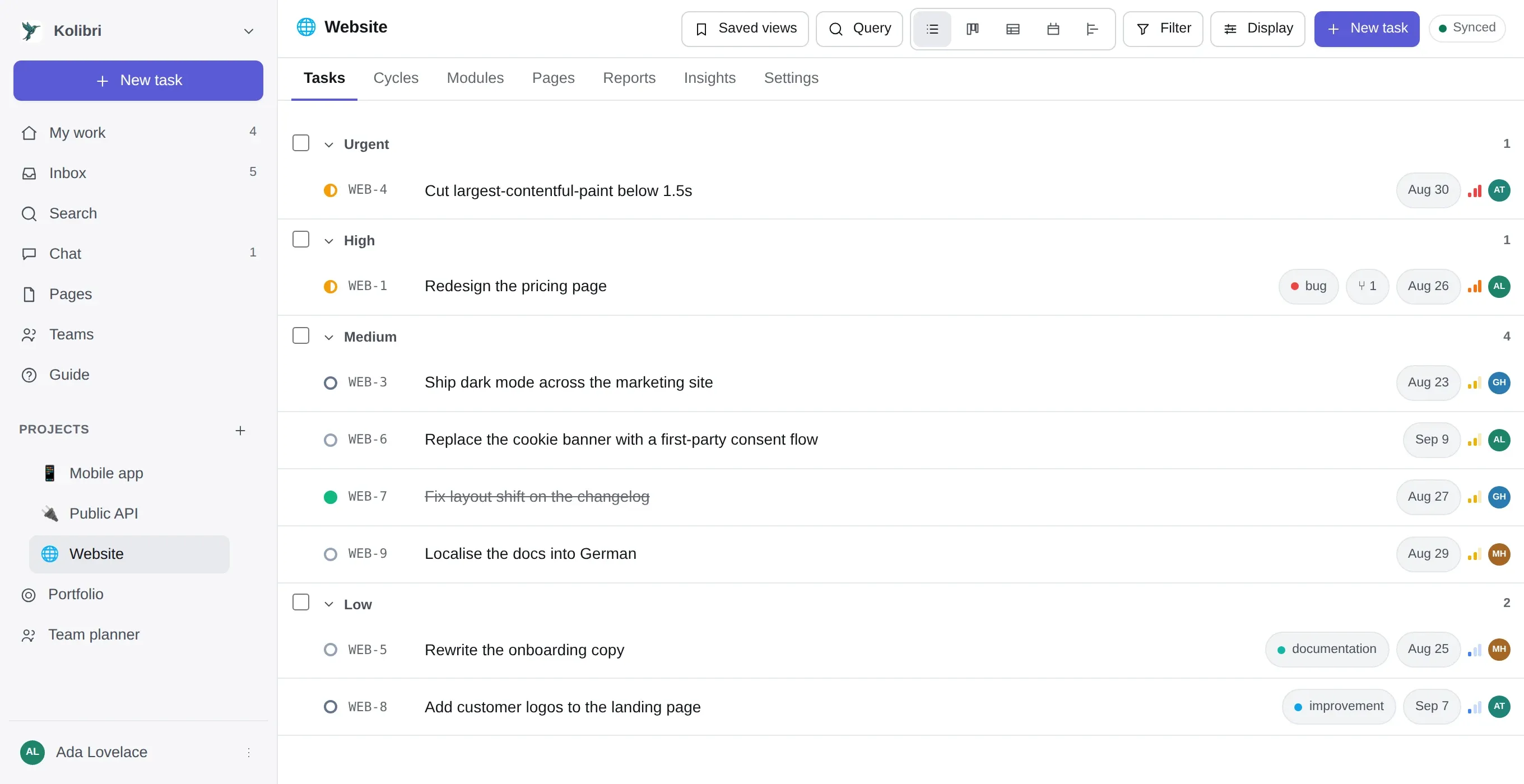
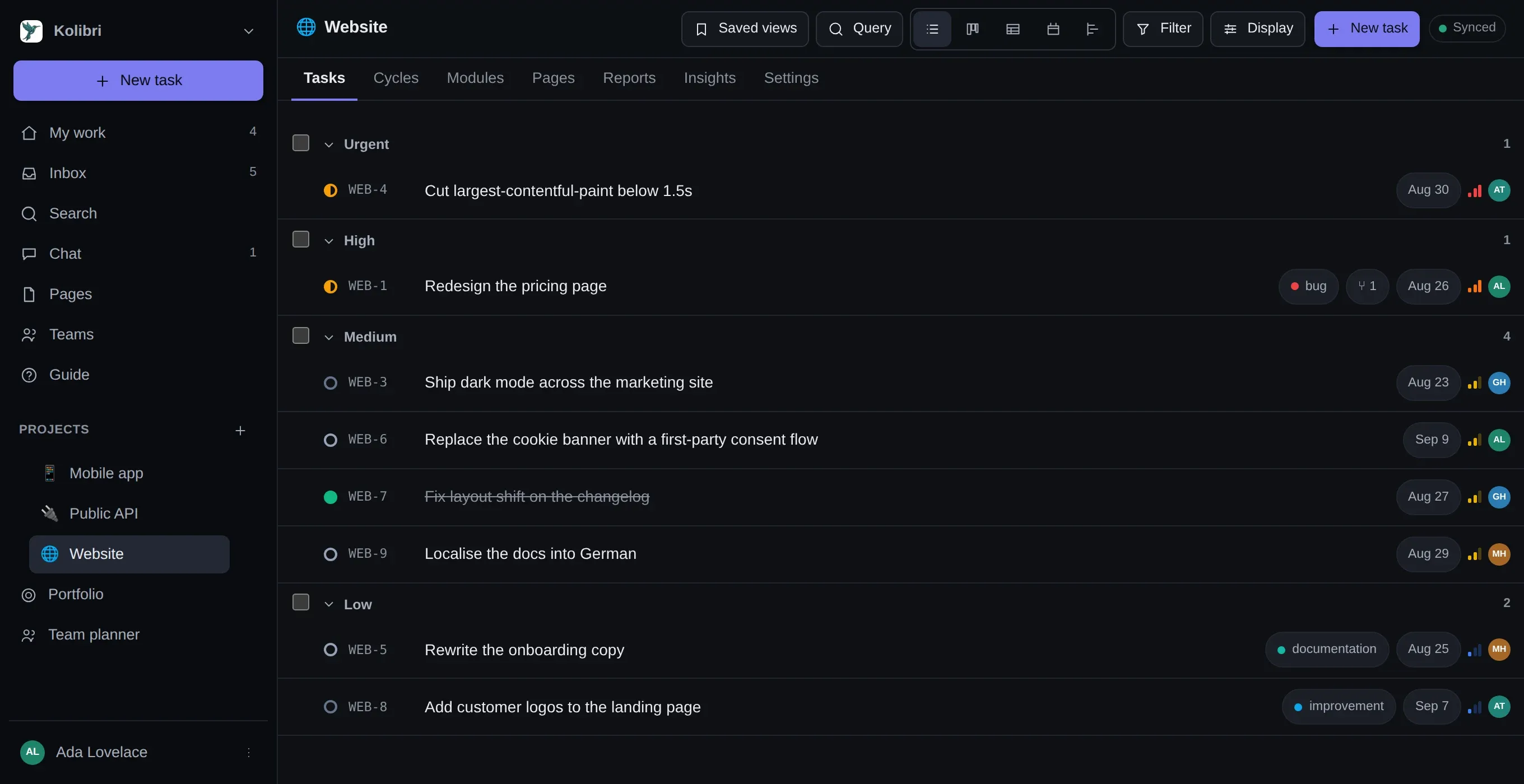
Filter
Section titled “Filter”The menus cover every field, including custom ones. A filter is a conjunction of is one of and
is not one of — several answers to one field are OR, and different fields are AND.
That is not an arbitrary limit; it is exactly what a saved view stores, what the board reads, what a share link resolves and what the calendar feed queries. Making the filter menus richer than the thing they are describing would produce filters that cannot be saved.
Separate from grouping. Sort within groups by any field, ascending or descending, plus a manual order that dragging writes — which is what “the backlog is in priority order because somebody put it in that order” needs.
Write the filter as text instead
Section titled “Write the filter as text instead”The Query button beside the filter menu opens a box with the current filter already written out:
assignee = me AND state != Donepriority in (urgent, high) AND due = overdueproject = WEB AND label in (design, ops)is: open AND cycle = noneThe box and the dropdowns are two views of one thing. Whatever the menus did prints into the box; whatever you type comes back out as the same menu state. The printed form is canonical — the same filter always prints the same text regardless of the order it was built in — which is what makes one of these worth pasting into a page, or diffing against last week’s.
A bare word with no operator is a text search, which is what somebody typing into a filter box means nine times in ten.
The complete grammar, the fields, the operators and the four things it deliberately cannot do are in the filter reference.
Display options
Section titled “Display options”A fourth, smaller menu: which fields show on a card or a row, whether to show sub-tasks nested or flat, whether empty groups appear, and whether completed work is hidden. These are per-view and saved with it.