
Across projects
Four screens and one setting for when the question is bigger than one project.
Portfolio roadmap
Section titled “Portfolio roadmap”Every project on one timeline, with their modules as the bars. This is the what is happening this quarter screen — the one to open in front of somebody who does not want to know about individual tasks.
It reads from the same dates as the project timeline, so there is nothing extra to maintain: a project appears on the roadmap because its work has dates, not because somebody filled in a second plan.
Team planner
Section titled “Team planner”A row per person and a window of days, with each person’s dated work laid out in their row. Dragging a task from one row to another hands it over.
Use it for the two questions a board cannot answer — who has nothing next week and who has four things due on Thursday. It shows you the overload; it does not solve it. There is no resource levelling here, because Kolibri does not know how many hours anybody has and would have to invent them.
My work
Section titled “My work”Everything assigned to you, across every project in the workspace, in the same layouts a project has. For most people this is the screen the app opens on.
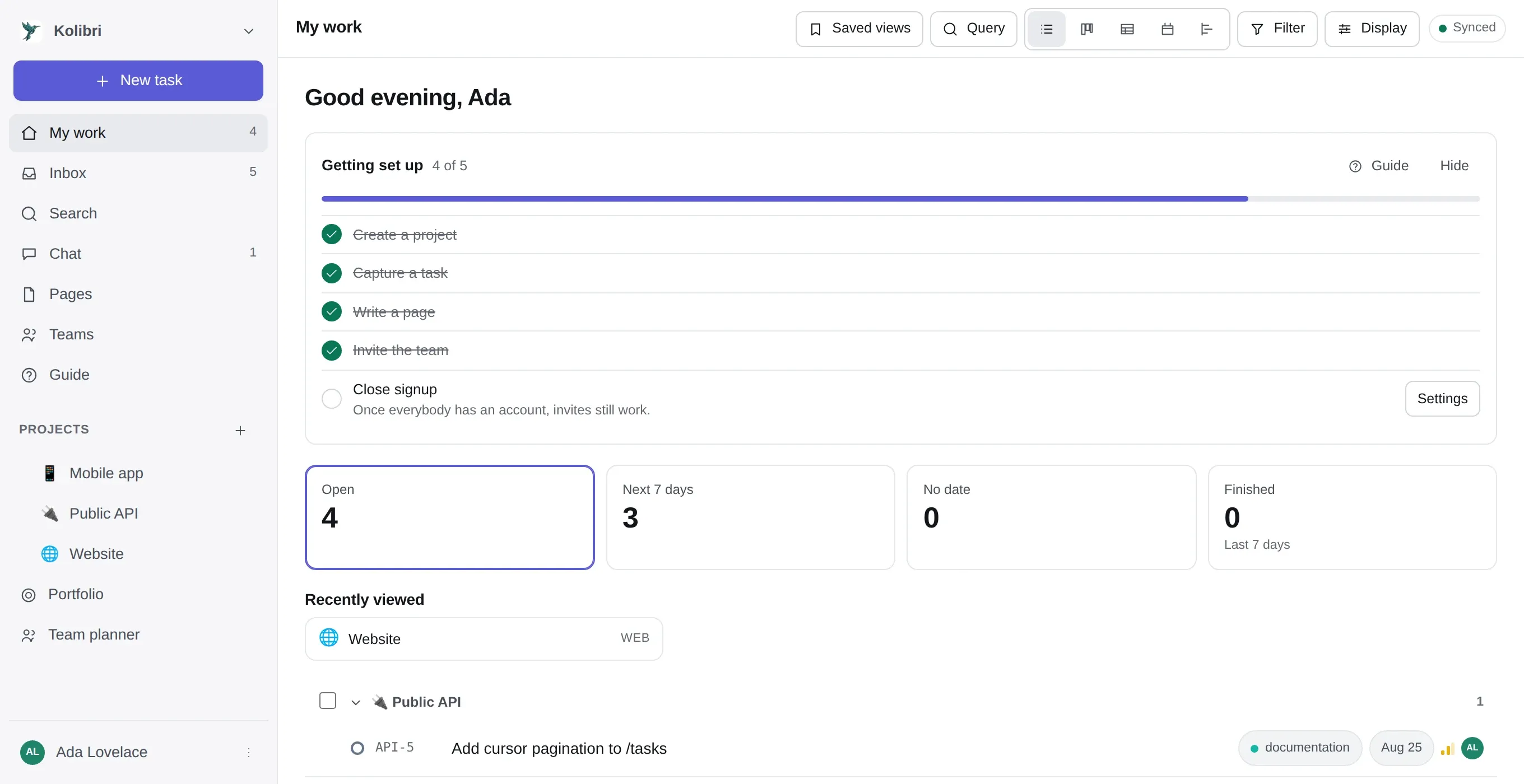
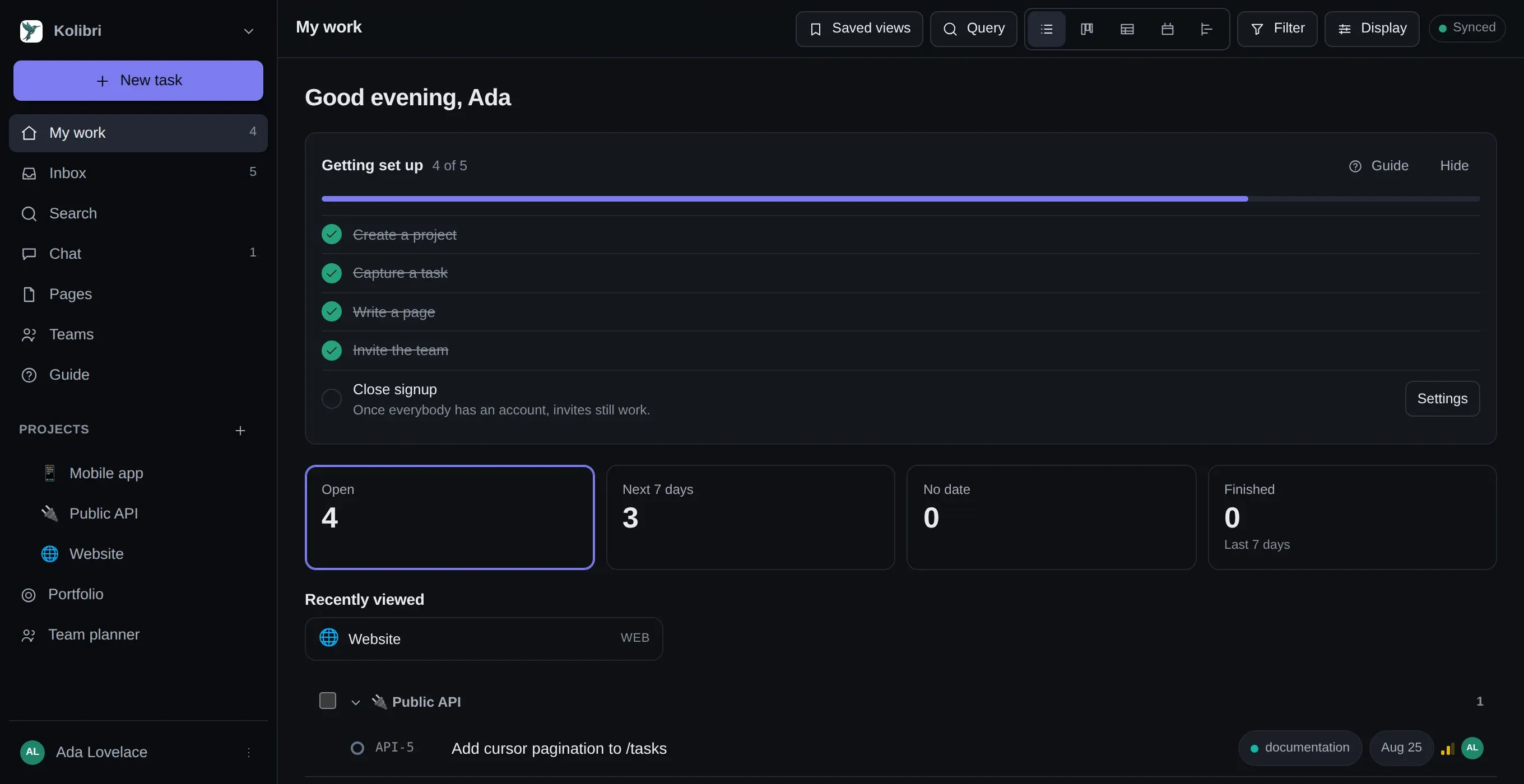
It also carries a short checklist of setup that is still open — ticked from your actual data rather than from a list of things you have clicked.
Projects inside projects
Section titled “Projects inside projects”Drag one project onto another in the sidebar and it lives inside it. Fold a branch to get it out of the way.
A project can also be marked as a container: it then holds only other projects and has no board of its own. That is how you model a programme, a client or a department without inventing a fake backlog for it — the thing that happens otherwise is a project called Platform with four tasks in it that nobody has touched since it was created.
A team owns projects and groups people. Two things read it: the project list, and rules — where “everyone in the design team” is a recipient that keeps meaning the right people as the team changes.
A workspace can ignore teams entirely and lose nothing.
Copying a project
Section titled “Copying a project”Project → Settings → Copy this project. Any project can act as a template — there is no separate kind of thing to create and keep in step.
The workflow states, labels and fields always come across. Everything else is a checkbox: members, templates and rules, pages, and the tasks — optionally including the finished ones. A team that runs the same shape of engagement repeatedly sets it up once and copies it.
Copied tasks arrive without their comments, time entries or files. A copy is a starting point, not an archive.
For moving a project to a different instance rather than copying it within one, use
Project → Settings → Export as JSON, which carries what the CSV path cannot. It is explicitly not
a backup — kolibri backup copies the database, which has to be exact. See
bringing a backlog in.